
My favorite git-gud hidden gems: absorb, split and run
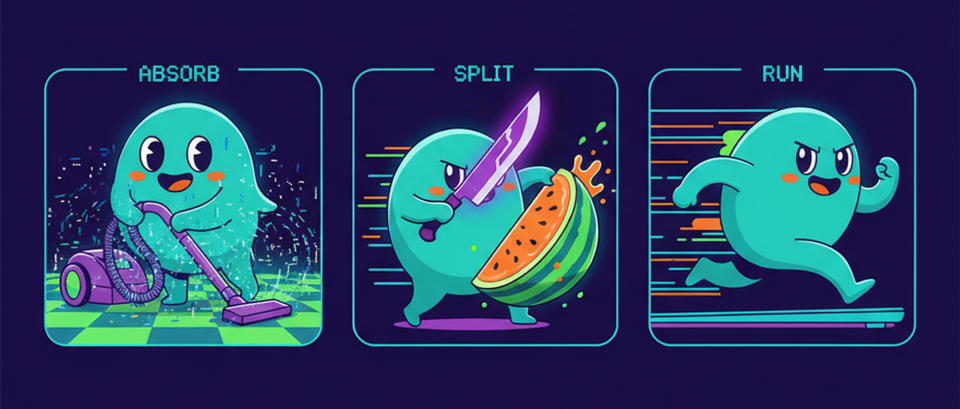
I have been developing, and of course, using git-gud heavily for a while now, and while commands like gg sync, gg land or gg ls tend to get most of the spotlight, there are a few commands I keep coming back to that feel like little superpowers.
These are not necessarily the first commands you learn, but once they click, they make day to day stacked diffs work much smoother. The three I keep reaching for are:
gg absorbgg splitgg run
They solve three very common problems:
- "I changed a bunch of things and now they belong to different commits"
- "Oops, this commit should really be two commits"
- "I want to run the same command across the whole stack without manual busywork"
Let's go one by one.
I changed a bunch of things and now they belong to different commits - gg absorb
gg absorb is for when you have staged changes, but those changes really belong to different commits in your stack. Instead of manually jumping around, amending one commit, rebasing, moving to another one, amending again, and so on, gg absorb tries to figure out where each hunk belongs and folds it into the right commit.
This is especially handy after review feedback.
Imagine you have a stack like this:
1. Add user model
2. Add auth API
3. Add login screen
Then review comes back:
- a naming nit in commit 1
- a validation fix in commit 2
- a small UI tweak in commit 3
You make all three edits in one pass, stage them, and instead of doing surgery by hand:
gg absorb --and-rebase
That will create the fixups and finish the rebase automatically.
If you want to sanity check first:
gg absorb --dry-run
And if you did a heavier refactor where matching by hunk is too narrow, there is also:
gg absorb --whole-file --no-limit
I find gg absorb most useful when I am in that messy "I already know all the fixes, let me just do them quickly" mode.
If I'm editing exactly one commit and I'm already sitting on it, gg sc is usually simpler. But if the staged changes belong to multiple commits, gg absorb is the nice magic trick.
Oops, this commit should really be two commits - gg split
gg split is for the opposite problem. Instead of changes that belong to many commits, you have one commit that should really be two.
This happens to me all the time. You start with the best intentions, you are in the zone, and then one commit accidentally grows a second concern.
For example, say you made this commit:
Add auth and logging
But in reality it contains two logical changes:
- authentication code
- logging improvements
That is a perfect case for:
gg split
By default it opens an interactive picker where you choose which hunks should move into the new commit. The selected hunks become a new commit inserted before the original one, and the remainder stays in place.
So this:
1. Init project
2. Setup DB
3. Add auth + logging
4. Fix tests
Turns into something like:
1. Init project
2. Setup DB
3. Add auth
4. Add logging
5. Fix tests
And importantly, descendants are rebased automatically.
If you already know which files belong to the new commit, you can skip the interactive part:
gg split -m "Add authentication" src/auth.rs src/auth_test.rs
That is great when the split aligns nicely with file boundaries.
I like gg split because it lets you fix the structure of a stack after the fact. You don't need to get the shape perfect on the first try. You can keep moving, then clean up once the right boundaries become obvious.
I want to run the same command across the whole stack - gg run
gg run is probably the most underrated one of the bunch.
It runs an arbitrary command on each commit in the stack. That sounds small, but it is incredibly useful.
The simplest case is validation:
gg run -- cargo test
That checks every commit one by one, not just the final tip. So if you care that each commit is individually healthy, this is great.
But the mode I really like is --amend. That lets you run something that modifies files, and fold those changes into each commit automatically.
For example, if you want to format every commit in the stack:
gg run --amend -- cargo fmt
That means each commit gets formatted as if it had always been written that way. Very nice for cleaning up a stack before sending it out.
A few other good cases:
gg run --until 2 -- cargo checkto stop at a specific commitgg run -j 4 -- cargo testto validate read-only in parallelgg run --keep-going -- cargo clippyto audit the full stack even if one commit fails
If I had to summarize it in one sentence, gg run is how you turn stack-wide maintenance from a chore into one command.
A simple workflow example
Let's say you are working on a 3-commit stack:
1. Add parser
2. Add CLI command
3. Add tests
Then a few things happen:
- You notice commit 2 also included some parser cleanup that really belongs in commit 1.
- Review feedback makes you touch all three commits.
- You want every commit formatted before pushing.
A nice flow could be:
# First, split the mixed commit into cleaner pieces

gg split

# Then make the requested edits across the stack and stage them

gg absorb --and-rebase

# Finally, make sure each commit is nicely formatted

gg run --amend -- cargo fmt
At the end, your stack is cleaner, each commit tells a better story, and you did not have to manually micromanage a pile of rebases.
Closing thoughts
One of my favorite things about stacked diffs is that they encourage small, reviewable, logical commits. But in real life, commits don't always come out perfectly shaped on the first attempt.
That is why I like these commands so much. They help you recover the ideal shape without making you suffer for being human.
gg absorbhelps when fixes belong to different existing commits.gg splithelps when one commit should become two.gg runhelps when you want to apply or validate something consistently across the entire stack.
They are not the flashy headline features, but they are absolutely some of my favorite hidden gems in gg.
If you are already using git-gud and have not played with these much, give them a try. They are the kind of commands that feel optional right until the moment they save you a bunch of pain.